This section helps with configuring the MediaPress Downloadable Media Addon. If you need help with installation, please see this.
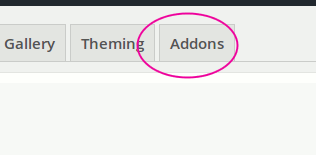
Once you have activated the plugin, please visit Dashboard->MediaPress->Settings and click on “Addons” panel as shown below.
Under Addons panel, you will see the Downloadable Media settings as shown below.
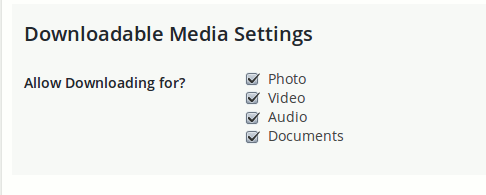
Please tick the file types you want to allow downloading. A download link will appear for those media types. Please see the MediaPress Downloadable Media plugin page for the details & Screenshots.