This section helps with configuring the MediaPress – S2Member Storage Limit.
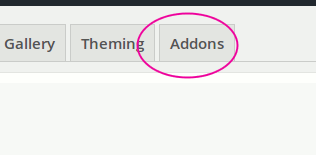
Once you have activated the plugin, please visit Dashboard->MediaPress->Settings and click on “Addons” panel as shown below.
Under Addons panel, you will see the Downloadable Media settings as shown below.
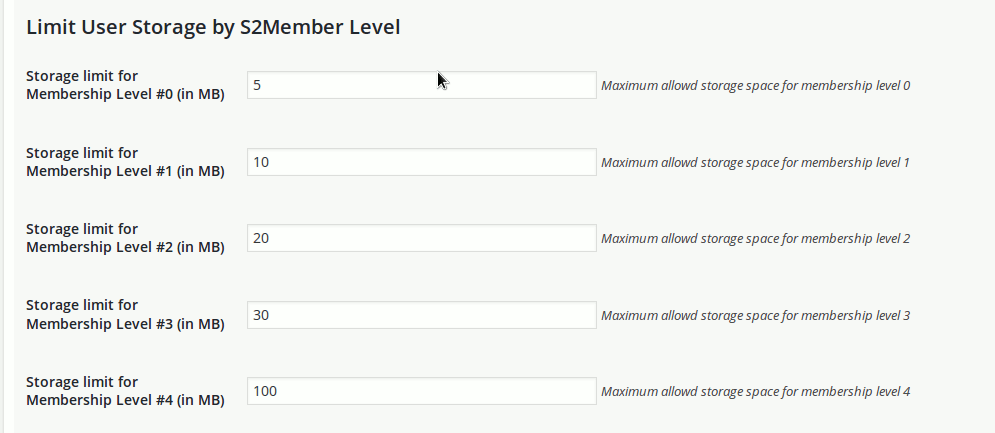
Please enter the allowed storage for each of the membership level and users with respective membership levels will have that limit set for them.