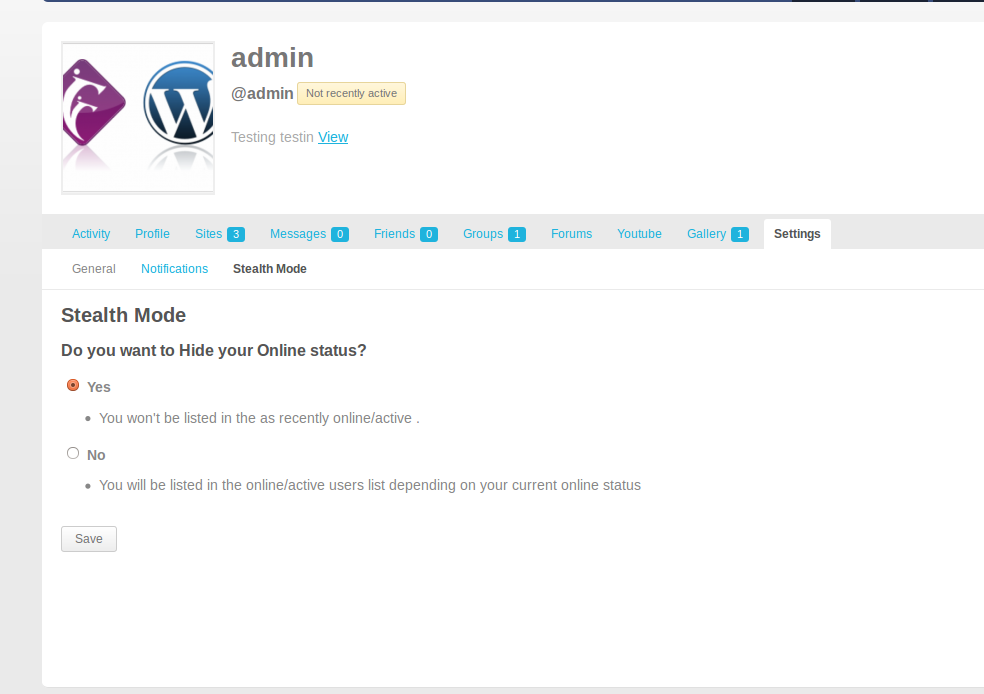
BuddyPress Stealth mode for site admin hides the last active time, member list visibility and all activities of the admin users who enable stealth mode.
What It Does:-
- It allows Site Admins to control whether they want to appear in the online members/ recently active members list or not.
- It removes admin't activity from the sitewide activity list and other places.
How It works:-
- When A user logs in, If the user is one of the Site Admin( In case you have multiple site admin account ), The plugin puts the user in stealth mode. Here stealth mode is nothing, but simply stops BuddyPress from recording the last activity time of the user.
- Visit your BuddyPress Profile and under settings menu you will see the Stealth Mode options. You can select to hide it as shown below