This page will give inforation about how to change group/profile photo using BuddyPress Better Experience.
Screenshots:
-
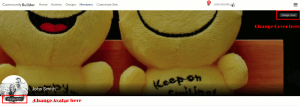
- Change Cover Button

-
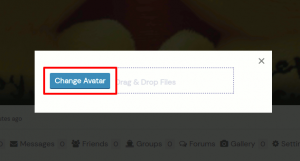
- Upload Avatar Screen
-
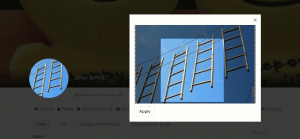
- Crop Avatar Screen

- Step 1: Go to profile pages. Click on change avatar button.
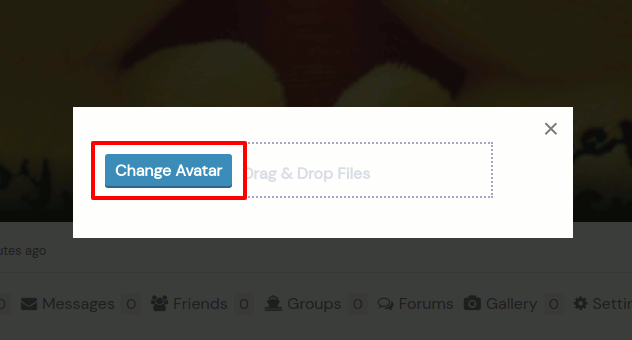
- Step 2: Click change avatar button. Upload avatar image.
- Step 3: Crop uploaded image. Use mouse wheel to zoom in and zoom out on image and hit the apply button.
- Step 4: That’s all.