- Login to Google Cloud console (https://console.cloud.google.com/)
- Make sure you have your billing enabled.
- Select a Project from Top Project Selection Option.
- Click on the hamburger icon in left top to open the menu for services.
- Select API & Services > Credentials as shown below.
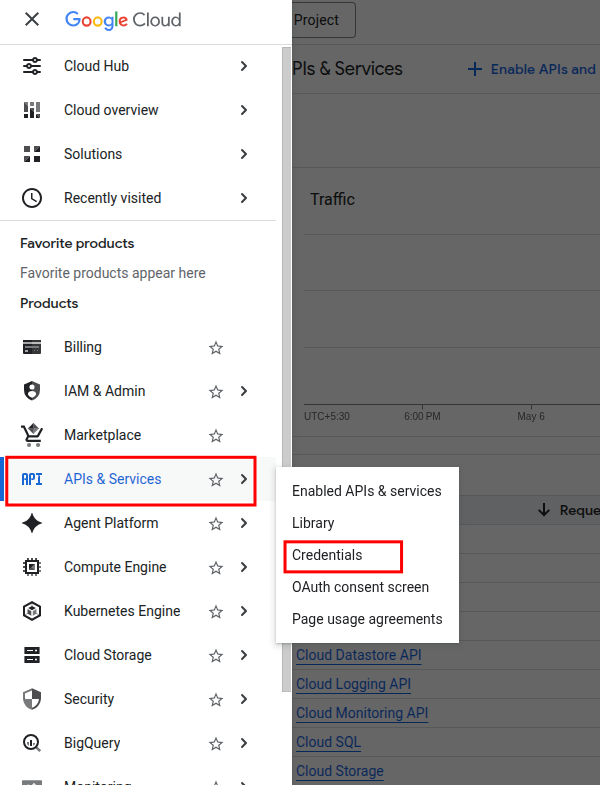
Creating Credentials:-
Click on “Create credentials” as shown below
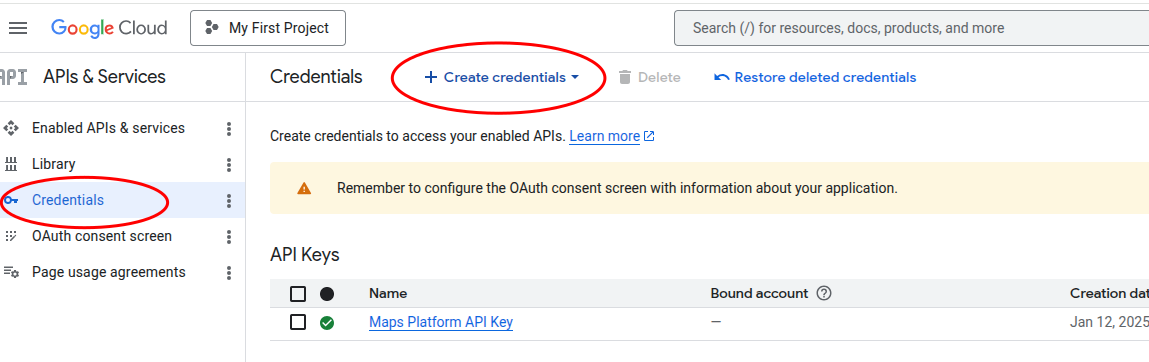
It will open a right side overlay like the below
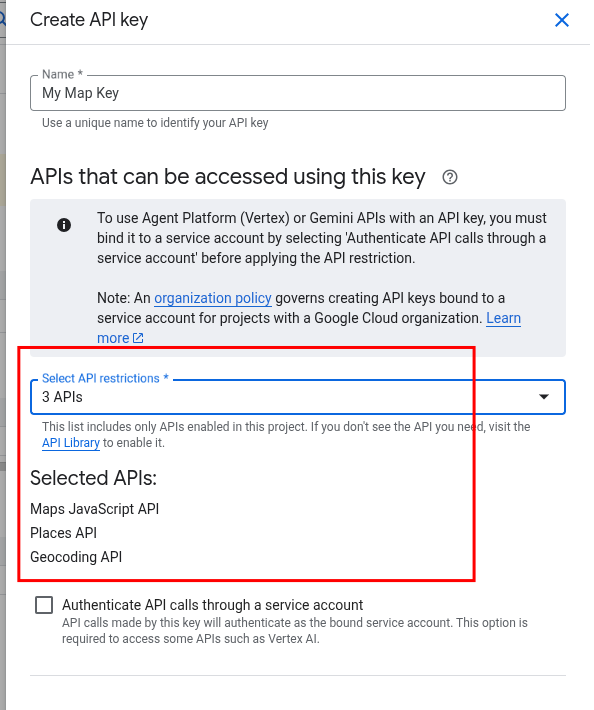
Give a name and select the APIs you need to enable. In our case, we suggest enabling
- Maps JavaScript API
- Places API
- Geocoding APi
Fill other details as needed. For the restrictions, we suggest limiting to your site. Save and an API key will be generated. Copy it for your use.