Theme panel is always available and controls the theme specific features.
Table of Contents:-
Display settings:-
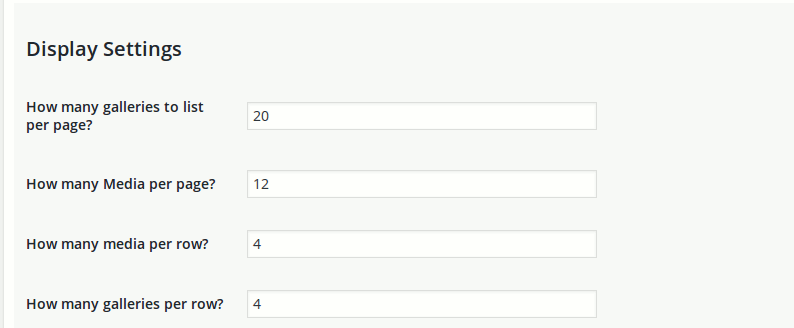
As shown in the image above, you can specify how many media/gallery should be listed on any MediaPress page. These allow you to control the pagination.
How many media per row :- All The media is listed in grids. you can control the number of media per row of this grid.
How many galleries per row :- Same as above but applies to gallery. When listing gallery, you can control the number of gallery appearing in a row.
Description settings:-
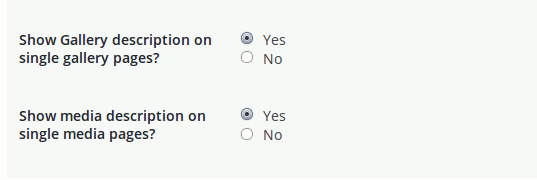
This allows you to control whether you want to show the description or not.
Audio/Video specific settings:-
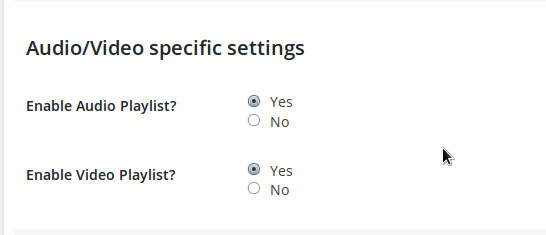
We will move it to relevant section in future. For now, you can keep it enabled.
Comment Settings:-
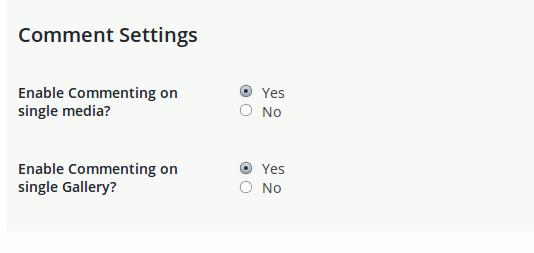
It allows you to control whether comments are enabled or not.
Enable Commenting on single Media :- Do you want to allow users to comment on single media(single photo|video etc)
Enable Commenting on single Gallery :- do you want the users to comment on the gallery page(the page where all the media of a gallery is listed)
Lightbox Settings:-
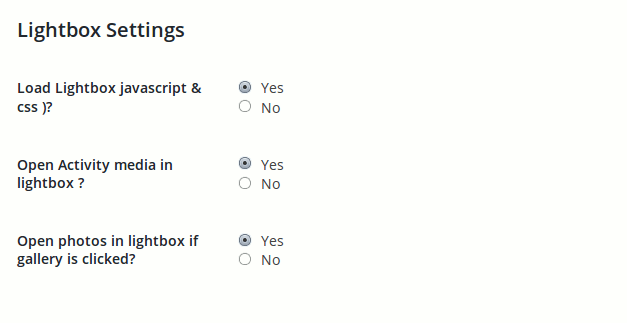
You can enable the lightbox using this setting.
Load Lightbox Javascript & CSS :- Do you want to load the included lightbox. MediaPress include jQuery magnific popup plugin for responsive lightbox.
Open activity Media in Lightbox :- if you enable this option(the above option must be enabled in that case), When a user clicks on a photo or any other media item in activity, it will be opened in a lightbox and will allow users to comment on the same page.