When you activate the plugin, you will see the BuddyPress Moderation menu like below.
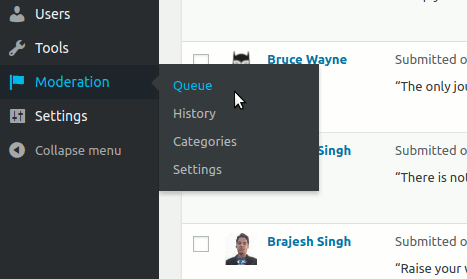
There are four menus
- Queue :- It hold the items currently reported which needs your action.
- History:- If enabled, the history of the actions taken on moderation reports as well as the moderation reports.
- Category:- Allows creating one or more category for organizing the moderation reports.
- Settings:- Various settings for the moderation plugin. It contains one panel per reportable type.
Next:- Settings Panel.